STEP 1
Add one character photo
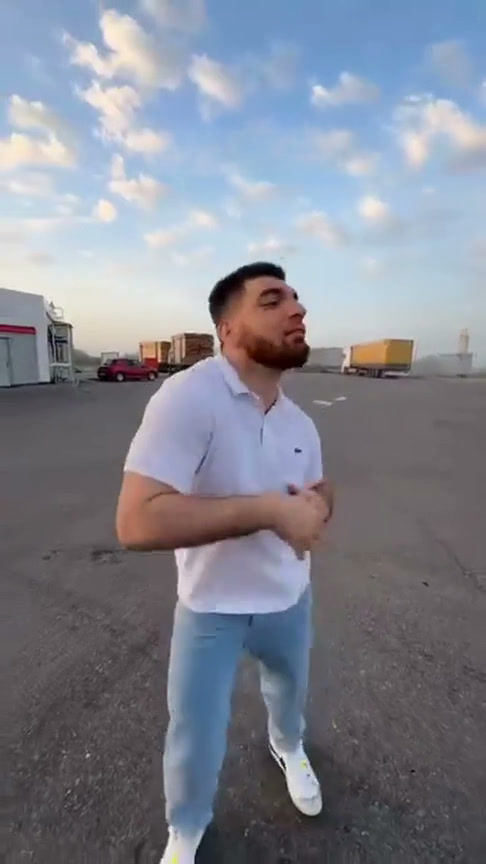
Use a clear portrait or upper-body image with the face, hair, and clothing visible. A simple background helps the model separate the lead subject.
Annual plan savings: 90% OFF Basic & Enhanced · Seedance 2.5 up to 50%🎬 Annual plan savings: 90% OFF Basic & Enhanced · Seedance 2.5 up to 50% · Ends Oct 31
An independent C Dance photo-to-video preset: add one portrait to a preloaded 15-second freestyle reference. The video engine is automatically routed to a compatible option; 9:16, 480p, and a 15-second output start selected. A standard 480p generation uses one video pass when available. Higher resolutions and custom prompts use credits. This is not an official Bulin 47 product.
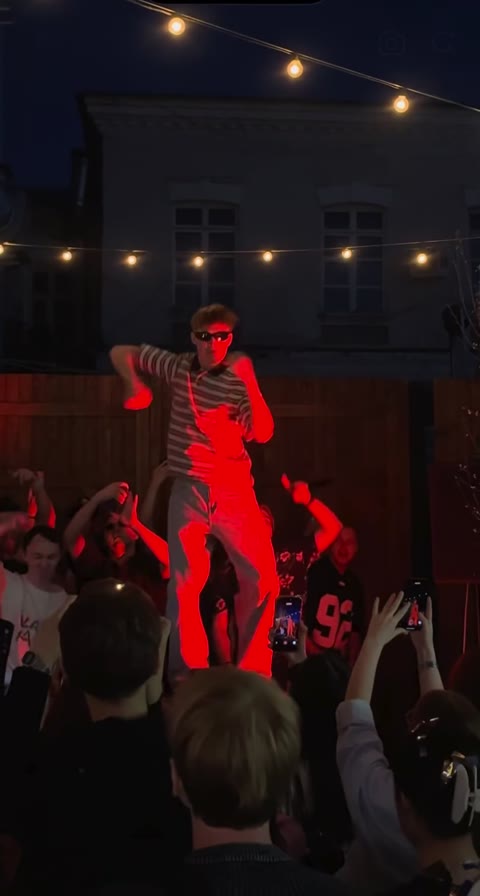
Here, Bulin 47 AI refers to an independent C Dance workflow, not a product from Bulin 47. One uploaded photo guides the lead character’s appearance; the preloaded vertical performance guides movement, framing, and scene context. The crowd and props are not separate inputs, and generated frames can reinterpret the face, clothing, hands, or background. Use a photo you own or have permission to use, and review the result before sharing.
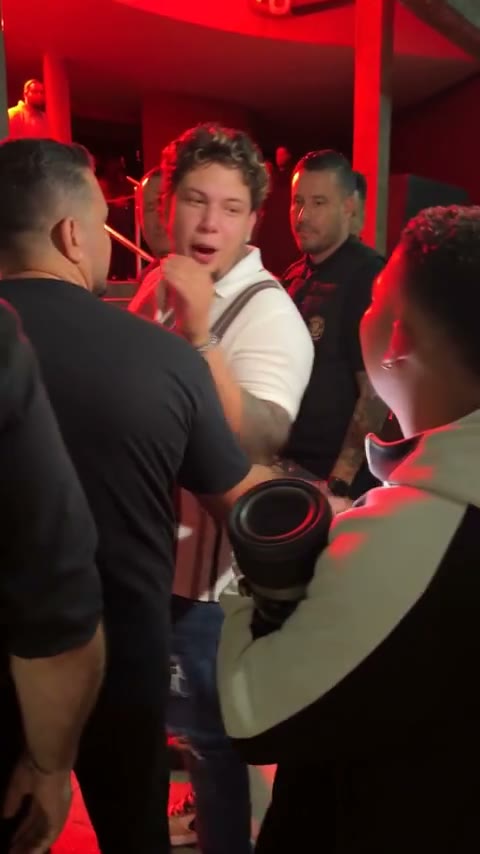
A 15-second reference is already selected. Add one portrait, review the settings and whether one video pass or credits will be used, then generate.
Use a clear portrait or upper-body image with the face, hair, and clothing visible. A simple background helps the model separate the lead subject.
The generator automatically selects the most cost-efficient compatible model. A 9:16, 480p, 15-second output starts selected. Open Settings to review supported options or edit the prepared prompt.
Sign in, confirm whether the generator will use a video pass or credits, and submit. Find the task in My creations to inspect and download the result.
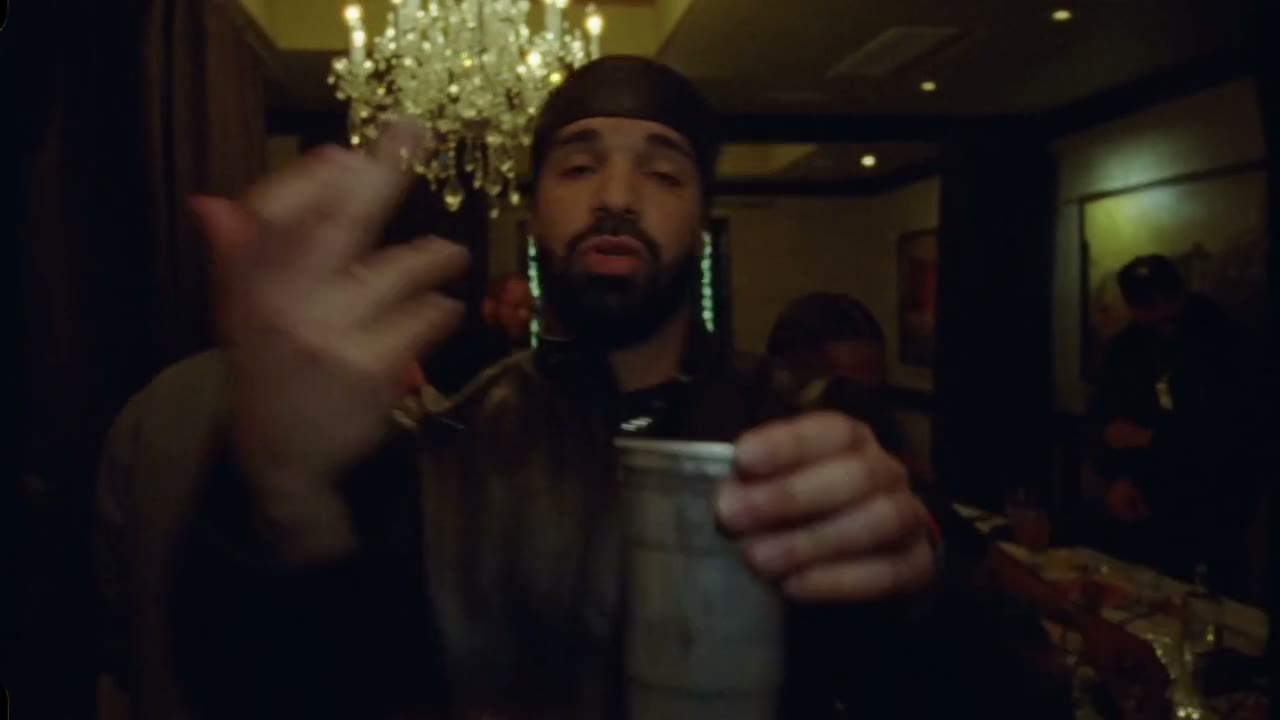
The uploaded image guides the lead performer. The reference video supplies motion and framing, while other scene details may vary.
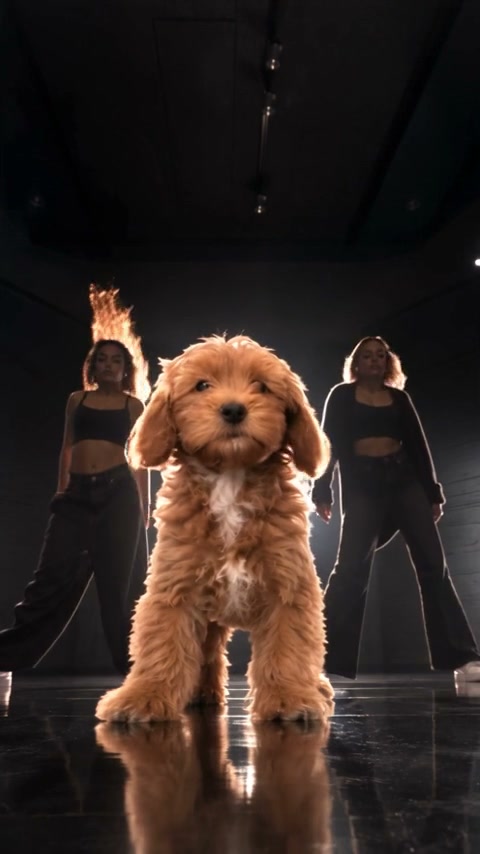
The photo guides visible traits such as face, hairstyle, outfit, and accessories; the reference guides the movement. A portrait or upper-body image with a simple background gives the model a clearer subject to follow. These previews are examples only: generated results can reinterpret illustrated details and do not guarantee an identical match to your upload.
The prepared prompt asks the model to keep the speaker holder, crowd, and camera movement in context. They are not independently controlled inputs, so faces, hands, and overlapping objects can still change between frames. Review the full clip before you download or share it.
Sound generation starts off in this preset. The workflow does not promise exact retention of the reference audio or clone a performer’s voice. Listen to the finished video and make sure you have the necessary rights to publish any audio it contains.
One image and one prepared reference keep the main creative inputs easy to review before each generation.
The loaded clip supplies the dance movement and camera context. Your photo guides the lead character, so you do not need to record a matching dance or assemble a sequence of shots.
The prompt starts prepared for this scene. Open Settings to read or edit it, then keep the lead role and reference clear so the model receives consistent instructions.
Each variation is a separate generation and uses its own pass or credit charge. Review the output in My creations, then start another version if you want to compare a different photo or prompt.
Know which parts of the scene come from your photo and which may change.
Your photo guides the lead role. It does not assign separate identities to the speaker holder or the rest of the crowd.
A 15-second vertical performance clip starts selected. Use the general AI Video workspace when you want to build a different scene from your own inputs.
Open Settings to inspect or revise the prompt. Keep the intended lead role clear and avoid conflicting scene directions.
Check the face, clothing, hands, crowd, final frames, and any audio before sharing. Label synthetic media clearly when your context calls for it.
These cards are examples, not selectable presets. This workspace stays loaded with the Bulin 47 reference; open C Dance AI Video to build a different scene.
Limited-time Bulin 47 AI video packs: pay once for 1, 3, or 5 standard 480p videos. No subscription required. Other tools and higher resolutions use credits.
Video passes cover the standard Bulin 47 AI preset at 480p. When passes run out, standard generations use credits. Custom prompts, higher resolutions, and other generators always use credits. Checkout shows the price and payment terms before you confirm. Compare full plan details.
Know what your photo changes and what to expect from the finished clip.
Upload one portrait for the lead character. The preloaded 15-second reference guides the movement and scene; the default output length is 15 seconds. Other people, props, and background details are not separate character inputs.
Yes. The reference clip is selected when the workspace opens, so you can add a photo and review the settings without uploading a second video.
Choose a clear portrait or upper-body image with the face, hair, and clothing visible. A simple background can make it easier for the model to identify the lead subject.
You can use an original character or a photo you have permission to use. Get consent when a real person is recognizable, and remember that generated frames may reinterpret facial and clothing details.
Yes. Open Settings to review the prepared prompt and output settings. One-time video passes cover the standard prepared prompt at 480p and 15 seconds. Custom prompts or higher resolutions use C Dance credits. The generator automatically tries a compatible lower-cost option first, with compatible fallbacks if the provider rejects the submission.
Choose a one-time pack of 1 video for $9.90, 3 videos for $19.90, or 5 videos for $29.90. Passes never expire, are used before credits for the standard 480p preset, and are returned if generation fails. Higher resolutions, custom prompts, and other tools use C Dance credits.
Exact audio retention is not guaranteed. Sound generation starts off in this preset, and the result may differ from the reference. Listen before sharing and use only audio you have the right to publish.
No. This is an independent photo-to-video experience operated by C Dance. It is not affiliated with or endorsed by Bulin 47 or the performers in the reference clip.
AI video generatorBuild a different scene from text or a starting image. AI image generatorCreate or refine the picture for your next idea.
Choose the photo that makes the performance yours. Your Bulin 47 AI workspace is ready above.