
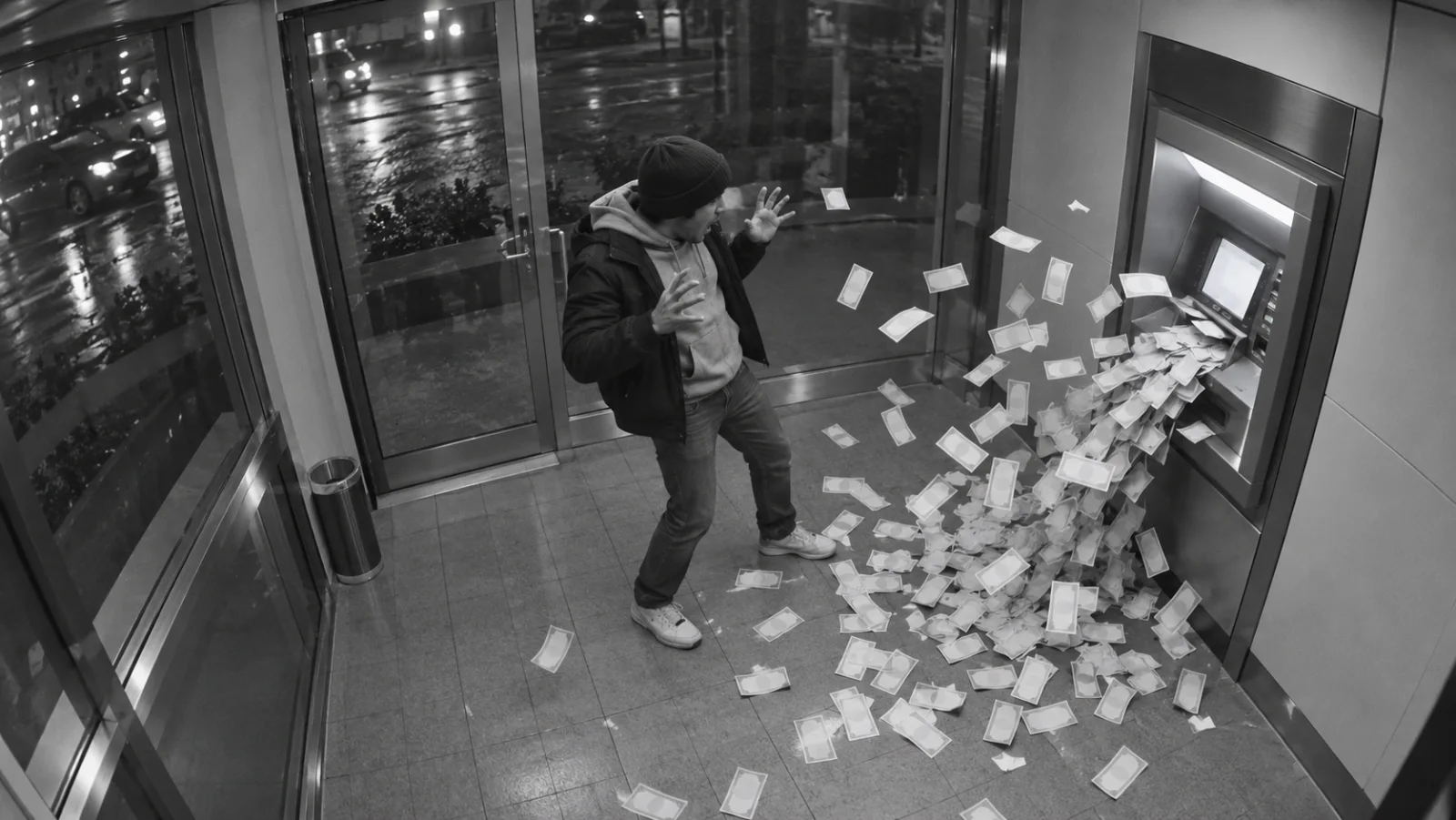
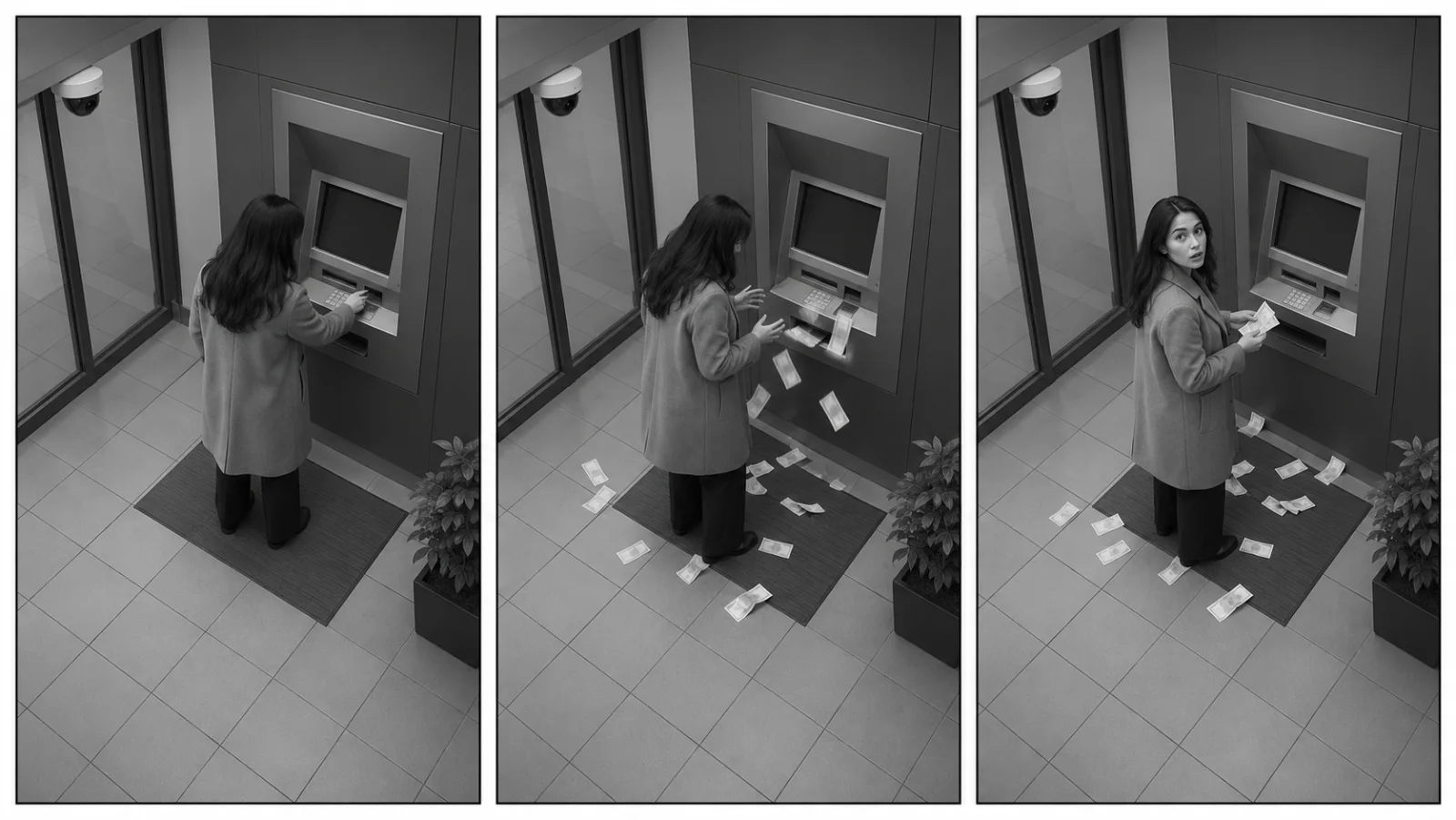
If you are searching “ATM heist AI” to create a video, the closest current creator-template interpretation is the related ATM glitch AI video: a fictional cash-burst scene with a fixed security-camera-style shot, an unbranded ATM, paper bills, and a surprised reaction. “ATM heist AI” is not the name of one official AI model. The useful challenge is making the sequence readable while keeping it unmistakably fictional.
This guide explains the visual format, gives you six copy-ready prompts, and shows how to control the camera, action, and continuity without turning the scene into a real-world ATM tutorial. Start at C Dance and open the text-to-video workspace; if you already have a consented still to animate, use the image-to-video workspace.
ATM heist AI: the quick answer
For creators, the closest matching template is a fictional money-glitch visual: paper appears to pour from an ATM, fills part of the frame, and prompts a surprised reaction. Several current generator pages use labels such as “ATM glitch” or “ATM cash burst” for this concept. Those labels describe a visual prompt or template, not a real ATM feature, a financial trick, or one official model.
The most reliable way to make the idea work is to plan four visible beats: establish the booth, show one clear burst of paper props, give the performer a readable reaction, and hold on a composed final frame. Keep the camera fixed if you want the familiar CCTV look. Use an invented, unbranded setting and identify the final clip as AI-generated. The scene should entertain viewers without suggesting that a real machine malfunctioned.
What “ATM heist AI” means and what it does not mean
The wording can be ambiguous. “Heist” may refer to a real crime story, a fictional film scene, or an AI video search. If you arrived here looking for a creative effect, the closely related ATM glitch format is a short, impossible cash-burst scene made for entertainment. Search results include prompt and one-photo template pages, but the phrase itself does not identify a unique generator or prove that a specific clip is authentic.
That distinction matters. A generated booth can look like surveillance footage even when nothing was filmed at an ATM. A grayscale filter, wide-angle view, and timestamp-like graphics can make fiction feel like evidence. Do not add a real bank name, real branch, real customer, readable account information, or a fake news caption. Keep the location generic and add a visible “AI-generated” or “fictional scene” label when you publish.
This article is about a staged visual concept. It does not describe how to access, bypass, tamper with, damage, or obtain money from an ATM. If a headline or video claims a real machine paid out extra cash, treat that as a separate factual claim that requires independent verification.
The visual grammar of an ATM glitch video
The effect works because the viewer understands the ordinary scene before anything unusual happens. A useful composition has one main subject, one visible machine, a stable camera, and open space where the paper can move. When the room, camera, person, and action all change at once, the result is harder to read and more likely to drift.
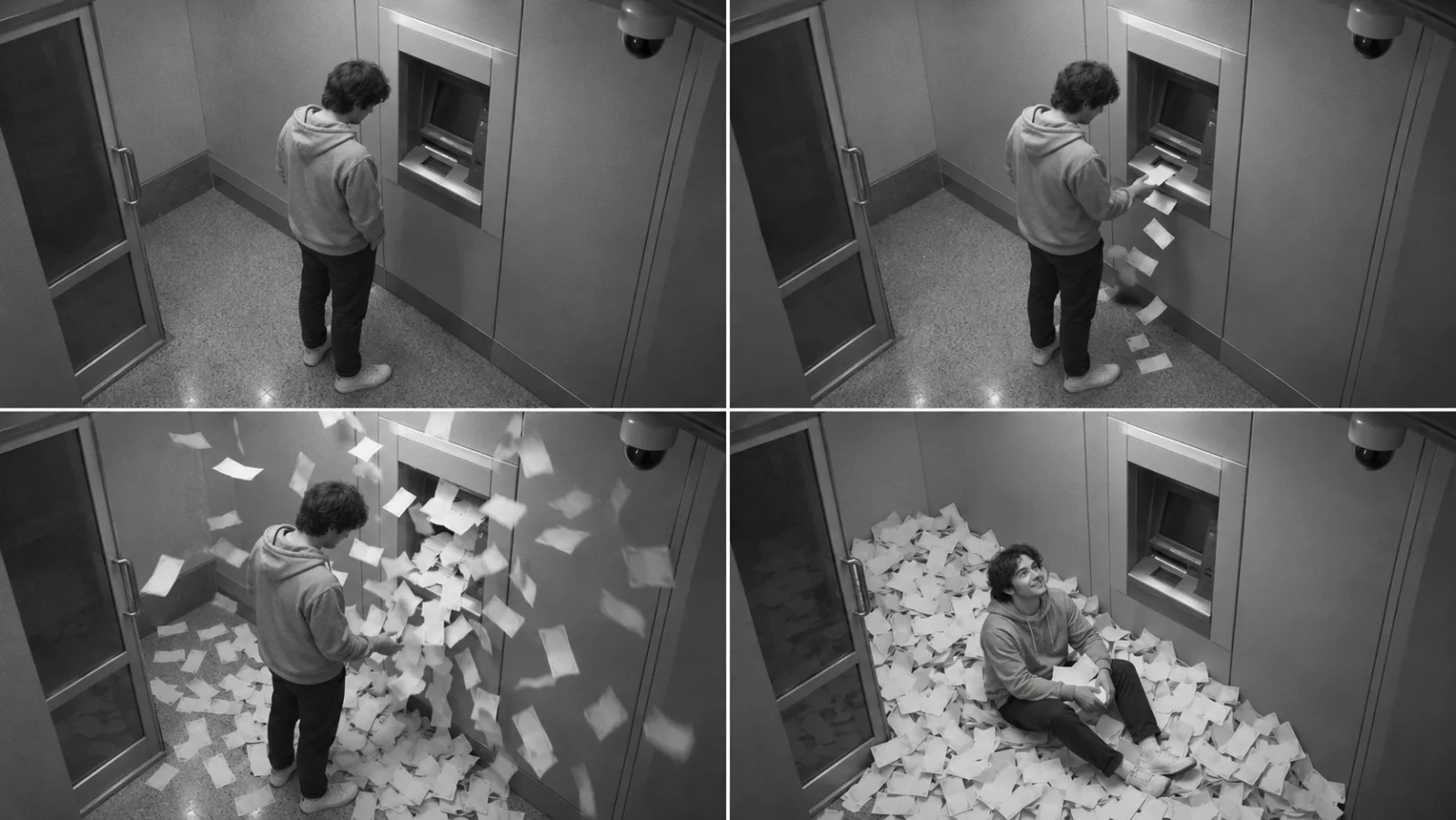
Use these visual choices as a compact creative brief:
| Element | Clear direction | Why it helps |
|---|---|---|
| Camera | One fixed, high-corner wide shot | Gives the viewer a stable view of the whole gag |
| Setting | A generic, unbranded booth | Avoids implying a real bank or location |
| Action | One burst, then one reaction | Keeps the event understandable in a short clip |
| Money | Plain, fictional paper props | Avoids detailed or misleading currency close-ups |
| Ending | A brief still hold | Gives the joke time to land and the editor a clean out |
Plan the eight-second story before writing a prompt
Eight seconds is a useful planning example for a short social clip, not a required model setting. Give each part one job. The first moment establishes the room. The next introduces the anomaly. The middle makes the burst large enough to read. The last beat shows the reaction and lets the paper settle. If you try to add an arrival, a transaction, a chase, several camera moves, dialogue, and a transformation, the model has to invent too many transitions.
| Approximate beat | What the audience sees | Prompt priority |
|---|---|---|
| Opening | One performer stands beside an intact ATM | Lock the layout and camera |
| First change | A few paper props flutter into view | Make the cause visual, not mechanical |
| Payoff | A brief, exaggerated paper burst fills part of the frame | Keep the performer visible |
| Reaction | The performer looks toward the camera and laughs | Preserve face, body, and outfit |
| Hold | The paper settles in the booth | Leave a clean ending for the edit |
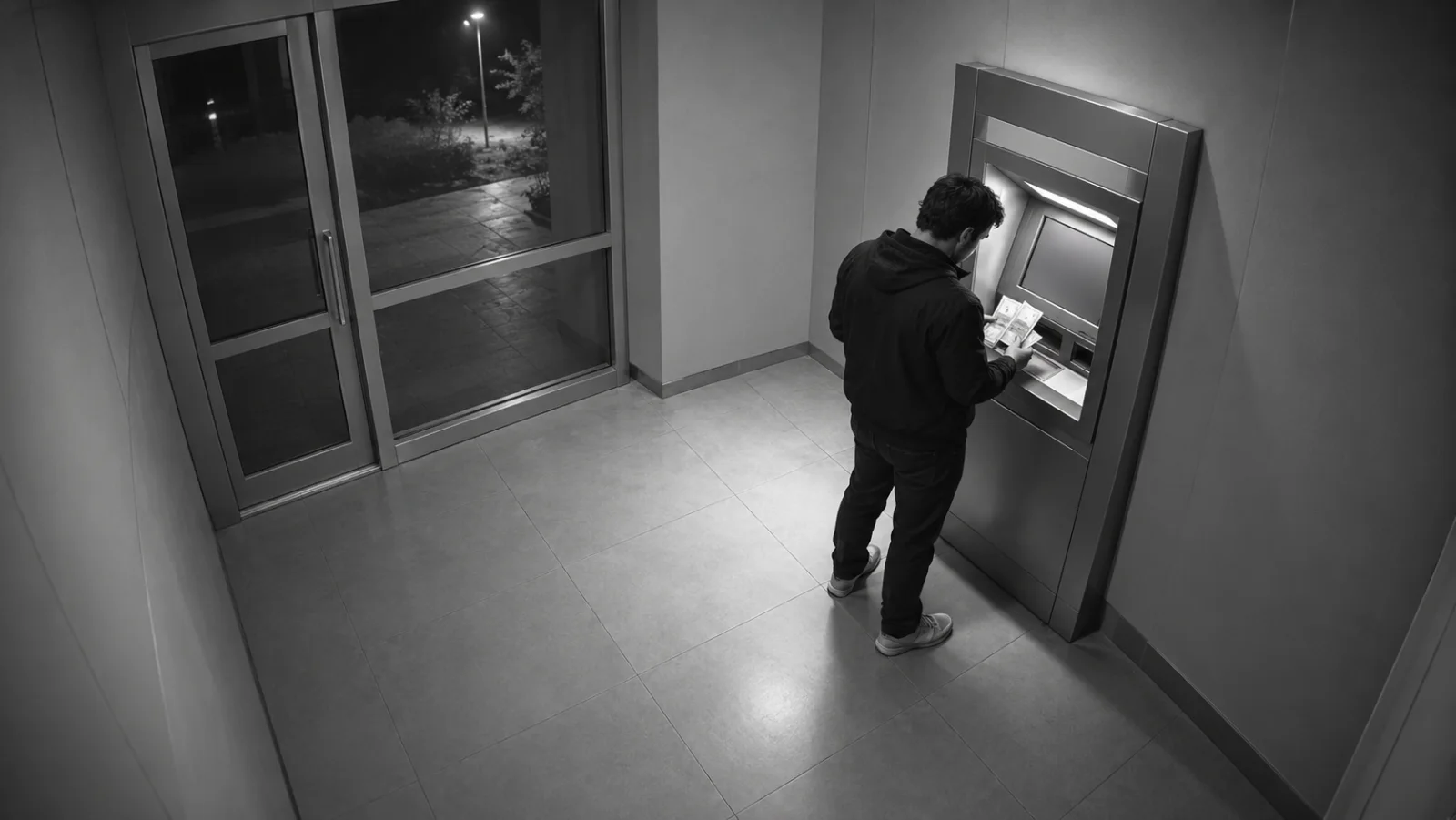
This sequence also makes retries easier. If the paper burst is weak, revise only the action line. If the person changes between frames, simplify the movement and reinforce identity continuity. If the booth layout changes, return to the starting image or remove extra camera instructions. The point is not to describe every detail; it is to decide which details must remain stable.
A prompt formula that keeps the scene readable
Build the prompt from observable instructions. The Seedance 2.5 prompt guide covers broader model prompting; for this concept, keep the prompt focused on seven controls:
- Subject: one fictional performer, or a clearly described generic character.
- Setting: a small invented ATM booth with no brand marks or readable information.
- Action order: what happens first, what changes, and where the clip ends.
- Camera: fixed high corner, wide frame, no cuts if you want a surveillance look.
- Light and texture: monochrome low-light grain, not fake evidence overlays.
- Continuity: same performer, coat, machine, room, and camera in every frame.
- Boundaries: harmless paper props, no damage, no tools, no logos, no real transaction details.
State the camera rule once. Repeating “security footage,” “CCTV,” “surveillance camera,” and “fixed shot” several times does not add control; it can make the prompt longer without making the scene clearer. Give the model a positive action to create and a few concise exclusions to avoid recognizable real-world details.
Copy-ready prompt 1: a one-take ATM cash burst
Use this text-to-video prompt when you want the model to invent a fictional booth from scratch. It keeps the visual joke in one shot and avoids operational details about a real machine.
Create a fictional, lightly comic AI-video scene in one continuous shot. A single generic adult performer stands in a small invented ATM booth at night beside an intact, unbranded ATM. Fixed wide-angle security-camera view from a high corner; the camera never moves and there are no cuts. After a quiet opening, a brief impossible burst of plain blank paper banknote props flutters into the booth. The performer takes one step back, looks up toward the camera, and laughs as the paper settles. Keep the same person, neutral coat, booth layout, ATM position, and monochrome low-light grain throughout. Make the scene clearly staged and surreal. No readable screen, bank name, logo, timestamp, real currency detail, damage, tools, weapons, injury, or attempt to open the machine. End on a stable wide frame with the performer visible.Copy-ready prompt 2: animate a starting image
Choose image-to-video when the opening composition already matters. Use a still you created yourself or have permission to use. Describe what should move; do not rewrite the entire image into the prompt if the reference already contains the subject and room.
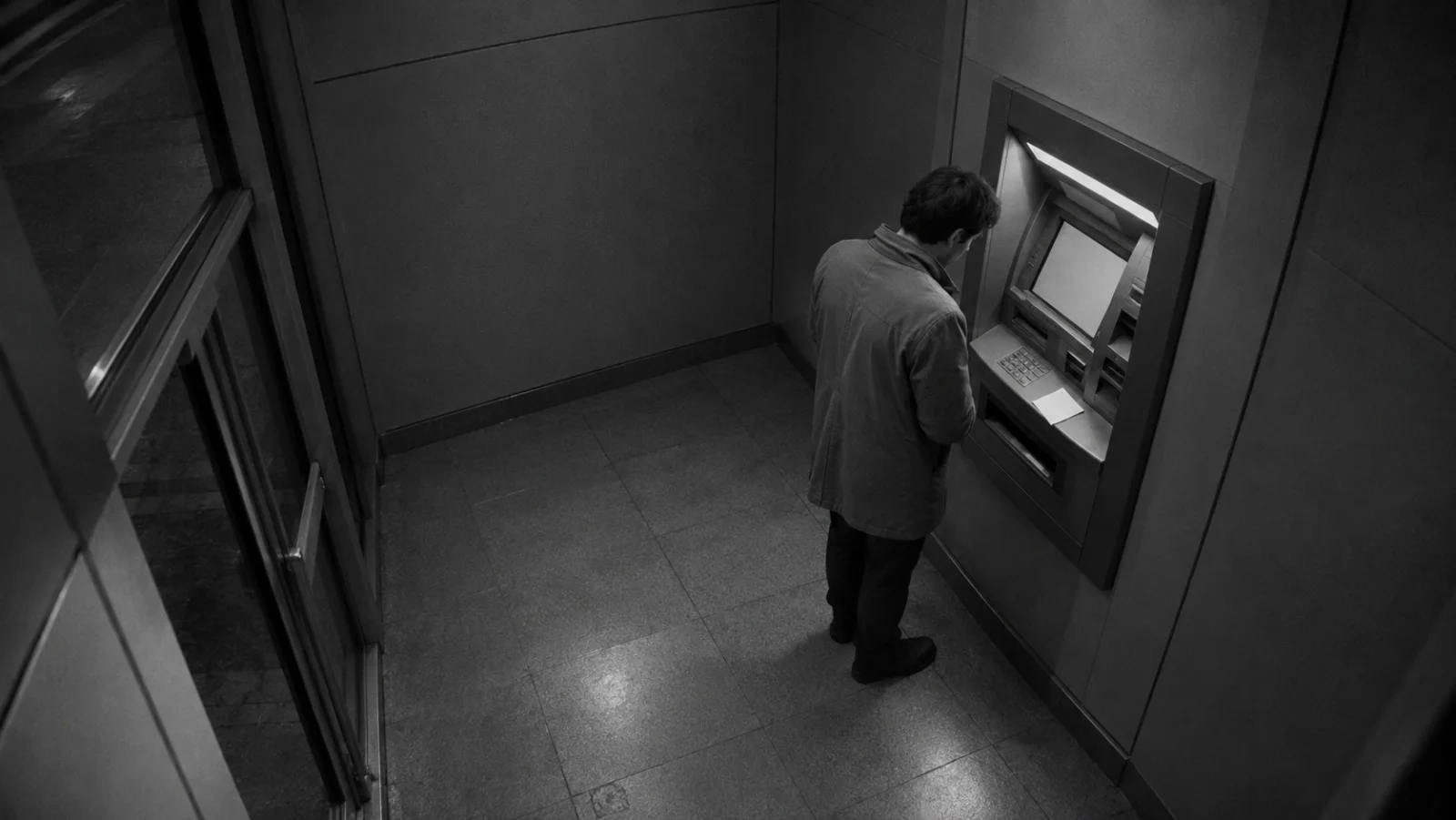
Animate this fictional starting frame as one continuous 8-second shot. Preserve the same generic performer, face, coat, intact unbranded ATM, room geometry, light direction, and fixed high-corner camera. Begin almost still. A few plain blank paper props drift down, then one brief exaggerated flutter passes across the lower half of frame. The performer reacts with a surprised smile and looks toward the camera; the person stays in the same place and remains fully visible. Let the paper settle and hold the final composition. Keep the monochrome CCTV-inspired texture without adding a timestamp or interface. This is a staged AI scene, not real footage. No extra people, logos, readable text, damage, or machine-opening action.The reference image controls the opening look; the prompt controls the change over time. If you ask for a new coat, different room, camera orbit, and a burst in the same pass, each becomes another opportunity for the subject to drift. Start with a single motion change, inspect it, and add complexity only if the first pass holds together.
Copy-ready prompt 3: make the security-camera style obvious
The fixed-camera look is a style choice. You can use grain, a slight lens vignette, and a high corner angle without faking a real bank’s camera system. Keep the booth invented and the image free of identifying overlays.
Fictional monochrome short-film frame with subtle analog grain, viewed from one fixed camera high in the back corner of a generic ATM booth. Wide composition shows an intact unbranded machine on the right, a plain glass exit on the left, and one adult performer in a neutral jacket near the center. A light shower of blank paper props crosses the frame for one brief beat; the performer turns and looks up at the camera, amused. Keep the camera locked, the subject recognizable, and the room geometry unchanged. No bank logo, readable screen, timestamp, date, location label, surveillance interface, real cash close-up, damage, or crime action. Clearly fictional, playful, and staged.Copy-ready prompt 4: build a clear reaction shot
The reaction is the punchline. A model may make a technically impressive paper burst but miss the joke if the performer disappears behind the props or moves out of frame. This version protects the person’s visibility and gives the ending a clear emotional beat.
In a fictional unbranded ATM booth, keep one adult performer visible in a fixed high-angle wide shot. A small flutter of plain paper props grows into a short, surreal cash-like burst around the lower frame, never covering the performer's face. The performer pauses, checks the empty paper in their own hands, then looks up at the camera with a delighted, slightly confused smile. The ATM remains intact and unchanged. Hold the final smile for one second as the paper settles. Monochrome film grain, consistent coat and face, no camera movement, no cut. No text, bank branding, real location, timestamp, damage, tools, or realistic ATM operation.Copy-ready prompt 5: create a vertical social version
For a vertical clip, keep the person and the important action in the center-safe area. Do not rely on tiny text generated inside the video. Add a caption or disclosure in your editor, where you can read it back at phone size.
Vertical 9:16 fictional AI-video composition, one continuous fixed high-corner shot of a small invented ATM booth. Keep one generic adult performer and an intact, unbranded ATM centered with space above and below for later captions. A brief, playful burst of blank paper props rises from the lower frame; the performer remains visible, turns toward the camera, and smiles. Hold a clean final frame. Consistent person, coat, lighting, and room; gentle monochrome CCTV-inspired texture; no movement of the camera. Do not generate text, bank logos, timestamps, real currency details, damage, tools, or a realistic transaction. The scene is staged fiction.Copy-ready prompt 6: a lighter, playful interpretation
Not every ATM glitch scene needs to imitate grim surveillance footage. A brighter art direction can make the fiction apparent before the disclosure is read. This prompt uses a theatrical studio look and keeps the machine generic.
Make a playful, clearly staged short-film scene in a brightly lit fictional set. One generic performer stands beside a simple unbranded ATM prop. A few large blank paper shapes float into frame like confetti, followed by a gentle paper flutter around the performer's feet. The performer laughs and gives the camera a friendly shrug. Stable medium-wide camera, clean colorful lighting, same performer and set throughout, no sudden cuts. The ATM stays intact and is never opened. No readable text, logos, real bank or currency details, damage, tools, or realistic instructions. End with a still frame suitable for an editor-added “AI-generated fiction” caption.Choose text-to-video or image-to-video
Text-to-video is useful when you want the model to invent the room, performer, and motion together. It gives you room to explore different visual styles, but the model has to make more decisions. Write a compact scene with one main action and one camera rule, then judge whether the result holds together.
Image-to-video is useful when the booth layout, framing, wardrobe, or opening pose must stay recognizable. Start with a still that already contains those facts. Prompt the motion that should happen next, then state only the continuity rules that matter. This is often a better way to test a specific CCTV-like composition because the first frame gives the model a stronger visual anchor.
Do not assume that a longer prompt automatically gives better control. For the first generation, keep the action simple and the clip short enough to review quickly. After you see the result, change one variable at a time: the amount of paper, the reaction, or the ending hold. If you are building a larger sequence, the AI video B-roll prompt workflow can help you assign each generated clip a distinct edit job.
Keep the person and scene consistent
Continuity is visible in small details: the coat changes, the machine shifts walls, the performer turns into a different person, or the camera changes height midway through the clip. A short continuity block can prevent many of these problems.
Before generating, choose a small set of facts to lock:
- one performer and one outfit;
- one booth layout and one ATM position;
- one camera height and lens feel;
- one lighting direction and visual treatment;
- one simple action that ends in a stable pose.
If you use a photo of yourself or someone else, use an image you own or have clear permission to use. Avoid uploading a stranger’s face, a private image, or a recognizable public figure to make a fake security clip. When the source image does not need to show a real person, a generic description can be simpler and easier to reuse.
Make the scene clearly fictional
The surveillance-camera style and the fake cash burst are the visual hook, but realism can mislead when the clip is reposted without context. Separate the look from the claim. You can use monochrome grain as an aesthetic while making the booth, machine, and paper props generic. Do not create a false bank logo, branch address, account screen, or exact date. Do not frame the output as proof that a real person received money.
Add the disclosure after generation so that it stays legible: “AI-generated scene” or “fictional visual.” If you post to a platform with a synthetic-media label, use its current disclosure control as well. Keep the caption consistent with the image; a small “prank” label does not fix a clip that otherwise claims to document a real bank incident.
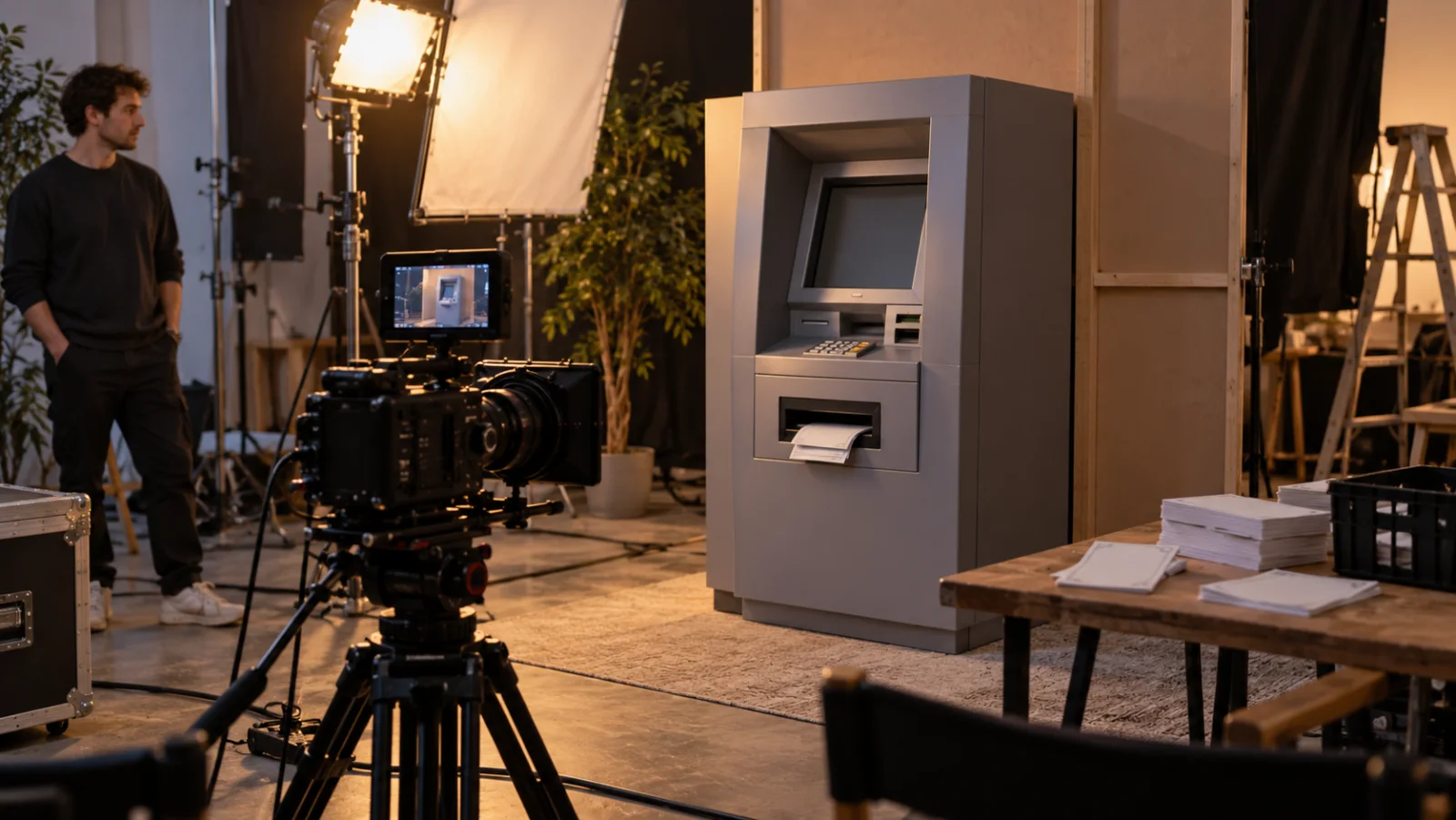
The image above is an editorial illustration of a controlled set. The finished clip should follow the same principle: create the visual effect in a fictional scene, not by interacting with a real ATM. If you need a polished social edit, add titles, sound, and the disclosure in your editor after generation rather than asking the model to render accurate text.
Common ATM glitch AI problems and practical fixes
| What you see | Likely prompt issue | Try this |
|---|---|---|
| The booth changes halfway through | Too many scene or camera changes | Use one room and one fixed angle; retry from a reference frame |
| The performer is hidden by paper | The burst is too large or begins too early | Reduce the paper effect and reserve the opening for the subject |
| The person’s face or coat changes | Several actions compete in one clip | Keep one simple reaction and restate the identity and outfit once |
| The ATM looks like a specific bank | The prompt invites real branding or detail | Use “generic, unbranded machine” and avoid reference photos of real branches |
| The cash looks like nonsense text | The prompt asks for detailed bills | Describe plain blank paper props; add no readable currency detail |
| The clip feels like fake news | CCTV style is combined with realistic overlays | Remove dates, labels, logos, and location clues; add a fiction disclosure in editing |
| The ending has no room to cut | The action continues until the last frame | Ask for the paper to settle and hold a readable composition |
| The result looks chaotic | Too many subjects or simultaneous motions | Keep one person, one burst, one reaction, and one camera rule |
When you revise, preserve the parts that worked. If the composition is good and the paper burst is weak, do not rewrite the entire prompt. Change the action size or timing, generate a new take, and compare those versions. This makes it easier to learn which instruction moved the result.
Edit the clip for phone screens
Review the actual vertical crop before publishing. Keep the person’s face away from the top caption zone and keep the burst inside the frame instead of letting every bill hit the edge. A strong opening can be quiet for a moment, but the viewer should understand the booth before the paper appears. The ending should hold long enough for the expression and disclosure to register.
Audio is optional. A soft room tone, a brief paper flutter, or a playful music cue can support the gag; none is necessary to explain the scene. Use audio you have permission to publish or select a track from the platform’s current licensed library. Do not make the sound design resemble an emergency alert or a real bank announcement.
This 13-second editorial preview animates five AI-generated stills with simple motion and fades. It is a storyboard illustration, not an output from Seedance or another video model.
A practical ATM heist AI workflow
- Choose the visual direction. Decide whether you want grainy monochrome CCTV style or a brighter, obviously staged comedy set.
- Pick the mode. Use text-to-video when the model should invent the booth; use image-to-video when you already have the opening frame.
- Write the four beats. Opening, brief paper burst, reaction, ending hold. Remove any action that does not serve one of those beats.
- Lock what must not drift. Name the performer, coat, camera position, booth, and unbranded machine once.
- Run a short first pass. Check the opening frame, readable action, identity, framing, and final hold before changing the prompt.
- Make one targeted revision. Change only the variable responsible for the problem you saw.
- Finish in the editor. Add captions, sound, crop, and the AI-fiction label after generation. Watch once with sound and once muted.
- Publish with context. Say it is a fictional AI scene and avoid a caption that claims the ATM or the event was real.
ATM heist AI FAQ
What does ATM heist AI mean?
It is a broad search phrase, not a specific official model. For a creative video prompt, the closest current template label is often “ATM glitch AI”: a fictional machine appears to release a burst of paper props in a short staged scene.
Is the ATM cash burst real?
The AI cash-burst format is synthetic entertainment. A still or video can imitate security footage without documenting a real ATM. Keep that distinction clear in the caption, the video itself, and any repost context.
Can I make an ATM glitch AI video from a photo?
Yes. Use image-to-video with a starting image you created or have permission to use. Keep the prompt focused on the motion and camera behavior, and avoid using another person’s likeness without consent.
Which aspect ratio should I choose?
Choose vertical 9:16 when the finished clip is intended for a vertical short-video feed. A wider frame can work better for a horizontal edit or a storyboard review. Keep the subject away from interface and caption edges, then check the crop on a phone-sized preview.
How do I make the ATM video look cinematic without misleading people?
Use a generic booth, an intact unbranded machine, exaggerated paper props, and a fixed camera. Leave out real logos, branch details, timestamps, and news graphics. Add a clear AI-generated or fictional-scene label in the finished edit.
Does this guide explain a real ATM heist?
No. It is a creative guide to a fictional AI video format. It does not give instructions for bypassing security, tampering with an ATM, or taking money.
How do I get a cleaner result on the next try?
Start with one person, one camera rule, one paper-burst action, and one ending pose. If the result drifts, simplify the action or use a more stable starting frame. Change one prompt detail per retry so you can see what helped.
Make the fictional scene your own
The ATM glitch visual is memorable because the premise is instantly understood and the payoff is impossible. Keep the scene compact, give the camera one job, and make the paper effect support the performer’s reaction. The strongest prompt is not the one with the most adjectives; it is the one that makes the action easy to follow and the fiction clear.
Start a new scene in the C Dance workspace, or return to C Dance to explore other AI video workflows. Keep the booth generic, use images with permission, and label the finished clip as AI-generated fiction.