
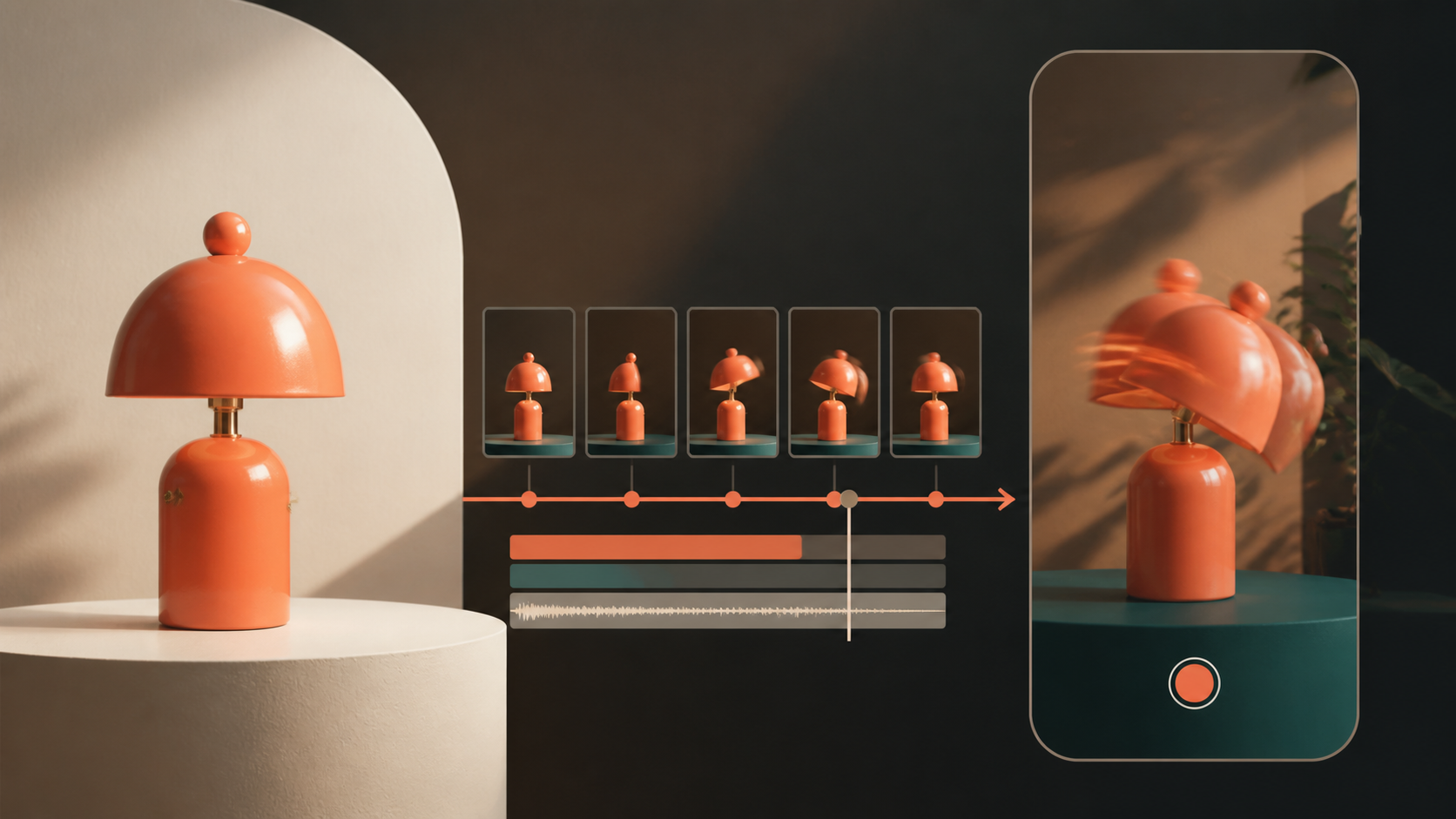
The fastest Seedance 2.5 prompt improvement is usually subtraction, not decoration. Start by choosing the mode, write the motion and camera logic in plain language, and stop re-describing anything the reference image already proves. Most wasted credits come from prompts that try to control subject, style, motion, editing, and mood all at once without ranking priorities.
Seedance 2.5 prompt guide: quick answer
Use this order:
- Pick the mode: text-to-video, image-to-video, or multi-reference.
- State the subject only if the model needs to invent it.
- State the action in time order.
- State the camera path in physical terms.
- Add scene rules and continuity locks.
- Add style only after the shot logic is clear.
- Remove repeated or contradictory wording before you generate.
If you are working from an image, the prompt should mostly control what changes. If you are working from text only, the prompt must also define what exists. That distinction matters more than whether the writing sounds cinematic.
Start in the C Dance workspace or switch directly to image-to-video with Seedance 2.5 selected. If your goal is a stable reference-led clip, keep the first round on one model instead of comparing outputs too early.
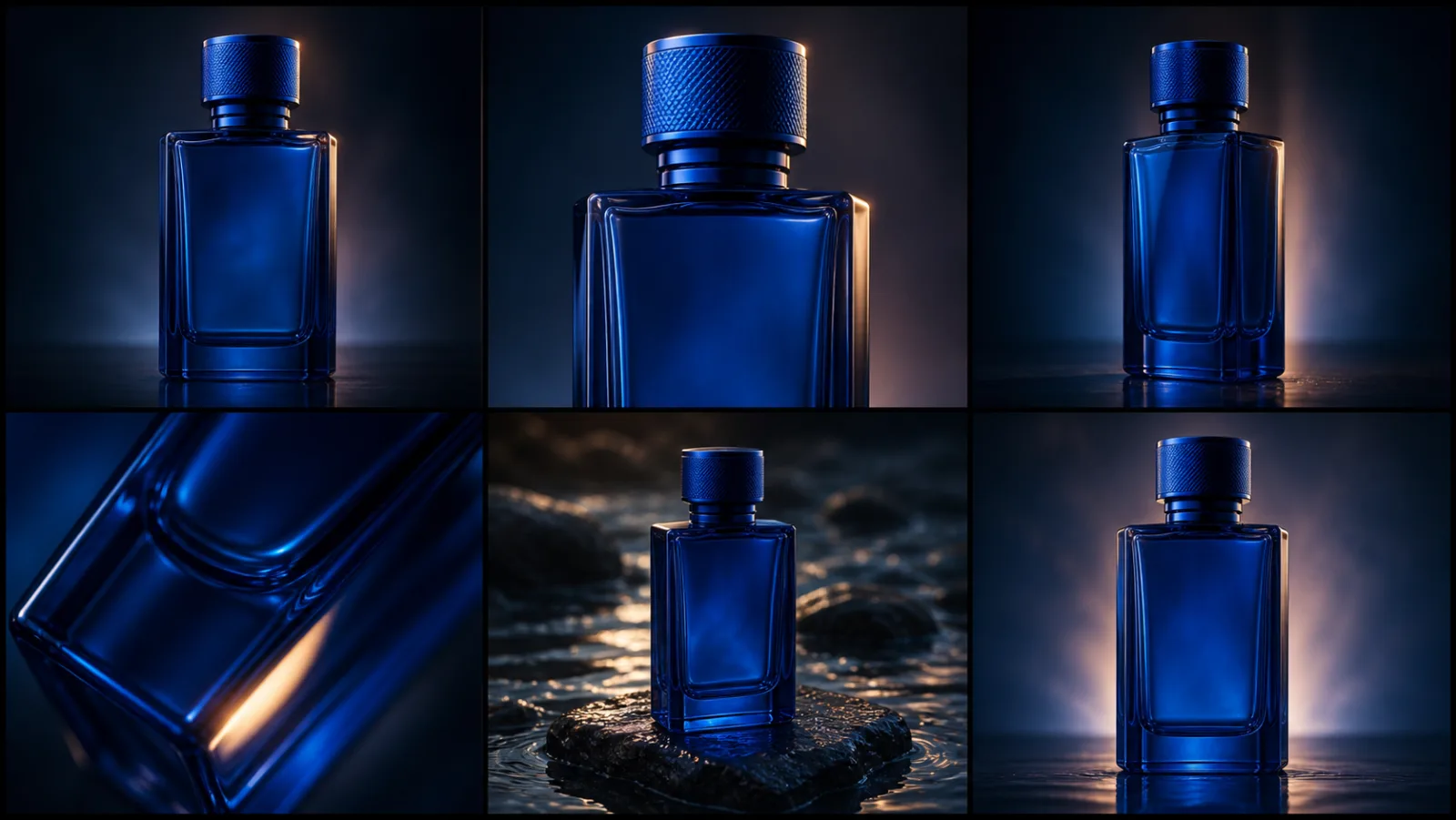
The storyboard above matters because prompt quality is easier to judge when each shot has one job. That same principle applies even when you are not making an ad. A one-take scene still needs a stable opening state, a visible action change, and a clear camera plan.
What Seedance 2.5 currently gives you
ByteDance describes Seedance 2.5 as supporting single-pass clips up to 30 seconds, with stronger long-form continuity, multimodal reference handling, and more precise editing. ByteDance also says the model can accept up to 30 images, 10 videos, and 10 audio references in a single pass, with better control over complex multi-subject scenes and camera work. BytePlus documentation for the current ModelArk pages also presents Seedance 2.5 as the current prompt guide and tutorial path updated on August 11, 2026.
Inside the current cdancenet implementation, the repository matches that general operating model closely:
- Seedance 2.5 duration is capped at
30seconds. - Prompt length is capped at
5,000characters. - Reference limits are set to
30images,10videos, and10audio clips, with a total of50reference items. - The current pricing logic distinguishes Seedance 2.5 runs with and without video references at
480pand720p.
Those are local product facts for C Dance. They are useful because a good prompt guide should match the interface readers actually see, not only the upstream announcement.
The first decision: choose the right prompt mode
The same prompt pattern should not be used for every Seedance task.
Text-to-video
Use text-to-video when the model must invent the subject, location, and motion from scratch. In this mode, your prompt must define:
- who or what exists;
- where the scene happens;
- what changes over time;
- how the camera moves;
- what must remain stable.
Image-to-video
Use image-to-video when appearance is already established. In this mode, your prompt should stop trying to describe the subject from scratch. A useful community observation from a recent Seedance discussion is that re-describing the visible subject can create two competing instructions for the same identity. One user summed up the practical fix as keeping the prompt to motion instructions and camera instructions when the image already carries the appearance.
Multi-reference
Use multi-reference only when the references have separate jobs. Seedance 2.5 can accept many references, but more references do not automatically mean more control. Give each reference one responsibility: face, wardrobe, environment, prop, pacing, or sound. If two references try to control the same thing, you often get blended or unstable results.
A prompt structure that survives retries
The most reusable Seedance 2.5 prompt format is a layered one:
SUBJECT: who or what appears
SCENE: location, time, atmosphere, important objects
ACTION: opening state, motion, ending state
CAMERA: framing, angle, move, speed, transition
CONTINUITY: what must stay stable
AVOID: the one or two failures most likely to ruin this shot
That is not just a neat template. It forces you to separate scene logic from visual texture. Once those layers are separate, you can change one without wrecking the others.
Text-to-video example
A lone violinist stands under a station overhang at blue hour while light rain
falls behind her. She lifts the violin, begins one slow phrase, and turns toward
the arriving train lights. The camera starts as a waist-up front shot, then arcs
clockwise into an over-shoulder reveal of the platform. Keep the violin, coat,
and station geometry stable. No extra performers, no subtitles, no sudden cut.
Image-to-video example
Use the uploaded image as the full appearance reference. Keep the subject,
clothing, colors, and background exactly as shown. Add only this motion:
she turns her head slightly toward the light, blinks once, and takes one step
forward. Camera instruction: slow push in from medium shot to medium close-up.
No new props, no face redesign, no wardrobe change.
Multi-reference example
Reference image 1 controls the lead character's face and hairstyle.
Reference image 2 controls the jacket silhouette and fabric.
Reference image 3 controls the station architecture and color palette.
The character walks toward the platform edge, pauses, then turns to camera.
The camera tracks left at walking speed and ends in a slight front three-quarter.
Keep the character identity and jacket pattern unchanged. No crowd duplication.
Stop writing mood words where shot words should be
Seedance does not fail because the prompt is too plain. It fails because the wrong part of the prompt is vague.
Words like beautiful, cinematic, epic, or amazing are not worthless in every case, but they are weak control signals compared with:
slow push intop-down revealhandheld shoulder follow35-degree product turnsoft overcast daylightwarm sodium practicals in background
Another useful community observation from a recent Seedance camera-movement thread is that ambiguous words can be misread even when the rest of the shot plan is good. In that example, the author found that a term like tearing created unstable interpretation, while more literal motion wording such as wind whipping at her coat or coat flutters violently made the scene behave more predictably.
When a prompt contains one phrase with multiple meanings, rewrite the phrase before you expand the rest of the scene.
How to write better camera movement prompts
Camera language becomes more reliable when it follows physical sequencing.
Bad camera prompt:
Cinematic dramatic camera, epic movement, beautiful reveal, intense energy.Useful camera prompt:
Open on a tight chest-up frame. Ease over the subject's shoulder. Tilt down as
the line of sight drops. Continue descending into a wide reveal of the cliffs
and ocean below. End in a high overhead top-down frame.
The second version gives the model an ordered path. It also gives you something testable: if the reveal happens too early, the problem is visible. If you only ask for an epic reveal, there is nothing specific to debug.
Use this checklist for camera prompts:
- start frame;
- movement direction;
- movement speed;
- transition trigger;
- end frame.
If any one of those is missing, the model has to improvise.
Image-to-video needs fewer subject words, not more
This is the easiest Seedance 2.5 mistake to avoid.
If the input image already proves the hairstyle, clothing, color, prop placement, or background, do not repeat all of it unless one detail must be corrected. Repeating visible facts often sounds safe, but it can create a conflict between the image and the text. That is when drift begins: a face shape changes, a garment redesigns itself, or a prop mutates.
A better image-to-video workflow is:
- Upload the image.
- Lock what must stay unchanged in one short sentence.
- Use the prompt to control motion, timing, and camera.
- Add only one or two negative constraints for likely failures.
For reference-heavy work, the character consistency guide is the right companion read. For production workflows that split one concept into separate replaceable shots, the one-image product ad guide is the more relevant next step.
How to use the larger reference budget without making chaos
Seedance 2.5's expanded reference budget is useful only when the references are organized.
Do this:
- one image for identity;
- one for environment;
- one for color or wardrobe;
- one clip for movement rhythm;
- one audio file for pacing or mood.
Do not do this:
- five similar face references with different expressions;
- multiple conflicting environment references;
- one prompt that asks the model to infer which reference matters most.
If the shot keeps drifting, reduce the reference set before rewriting the whole prompt. Fewer references with explicit roles are often more controllable than a large mixed pack.
A practical 30-second Seedance 2.5 prompt plan
Because Seedance 2.5 can handle longer single-pass clips, many users jump straight to a full 30-second scene. That is usually too early.
A safer order is:
- Prove the subject in 4 to 6 seconds.
- Prove the camera path in 4 to 6 seconds.
- Combine them in 8 to 12 seconds.
- Only then attempt the 20 to 30 second version.
Use a beat map like this:
0–4s: establish subject and opening frame
5–10s: start the primary action
11–18s: introduce the reveal or movement change
19–24s: resolve into the strongest mid or wide frame
25–30s: hold or exit cleanly
This matters because a 30-second scene is not just a longer prompt. It is a continuity problem. If the opening logic is weak, a longer generation only hides the weakness deeper in the clip.
Prompt fixes for the failures that waste the most credits
| Failure | What is usually wrong | First fix |
|---|---|---|
| Subject drift | Prompt repeats or contradicts the reference | Remove duplicate description and keep only motion + camera |
| Camera feels random | Prompt asks for mood, not path | Rewrite the move as start → transition → end |
| Shot becomes muddy | Too many adjectives, too many goals | Cut style words and keep one visible priority |
| Motion breaks physics | Several strong actions happen at once | Reduce the scene to one major action beat |
| References conflict | More than one file controls the same subject | Assign one reference job per asset |
| Long scene loses continuity | You tested only the full clip | Validate the same setup in a shorter draft first |
The owned example below is useful for that review mindset. It is not a universal benchmark, but it does show how much easier it is to judge stability when a clip has one obvious camera and action job instead of five competing jobs.
Watch it once for subject stability and once for camera logic. Those are separate reviews. Many failed prompts feel “almost good” only because those two checks were collapsed into one impression.
Prompt iteration should change one variable at a time
Another expensive mistake is changing everything after a weak first render. If you rewrite the subject, the camera, the timing, the reference pack, and the style in the same retry, you learn nothing from the failure.
Use a narrower loop instead:
- Keep the same seed idea and change only the camera line.
- Keep the new camera line and simplify the action.
- Keep both and trim any adjectives that do not point to something visible.
- Only then change references or extend the duration.
That process sounds slower, but it is usually cheaper in credits because each retry answers one question. Did the model misunderstand the motion? Did the framing shift because the reference pack conflicted? Did the long prompt bury the main action? You can only diagnose those problems if the retries are controlled.
Here is a practical revision pattern:
Version 1: prove the subject and one action
Version 2: keep subject/action, fix only camera path
Version 3: keep camera path, add one continuity lock
Version 4: extend the scene duration after the short version stays stable
If you skip straight from Version 1 to a “final cinematic master prompt,” you usually hide the real issue under more words. Seedance 2.5 responds better when each iteration removes uncertainty instead of adding decoration.
A C Dance workflow for Seedance 2.5 prompt testing
If you are testing inside C Dance, keep the first pass simple:
- model: Seedance 2.5
- mode: text-to-video or image-to-video, not both in theory at once
- duration: short first pass
- one clear action
- one clear camera move
- one continuity rule
Then iterate in this order:
- fix the subject;
- fix the camera;
- fix the timing;
- fix the style;
- expand the duration.
The Seedance ComfyUI workflow guide is the right follow-up if you want the same prompt discipline inside a node graph instead of a direct hosted workspace. If you want faster hands-on testing first, stay in the Seedance 2.5 workspace and validate the wording before building a larger pipeline.
Limits that prompt quality cannot solve
Even a strong prompt cannot prove facts the inputs do not contain.
Seedance 2.5 prompts cannot:
- reveal hidden geometry that no reference shows;
- guarantee text accuracy at small sizes;
- make conflicting references agree automatically;
- turn a weak source image into a stable long-form identity;
- replace editorial judgment about pacing and cut points.
If the source image is weak, improve the source. If the references conflict, reduce the pack. If the motion path is unclear, shorten the shot. Prompt writing is a control layer, not a substitute for input quality.
The useful standard
The useful standard is simple: the prompt should tell Seedance 2.5 what to generate, what to keep stable, and how the camera should witness the change. When those three jobs are clear, retries become cheaper and longer clips stop feeling like lottery tickets.
If you want to test one shot immediately, open C Dance, switch to Seedance 2.5 in the workspace, and start with one action plus one camera move. If you already have a reference image, switch to image-to-video mode and keep the prompt focused on motion and framing instead of redescribing the picture.
When that shot must hand off to another scene, use the AI video transition prompt workflow to define the start anchor, bridge motion, end anchor, and edit handles.
When it must repeat instead, use the AI video loop prompt workflow to match the opening and closing state as well as the motion phase.