
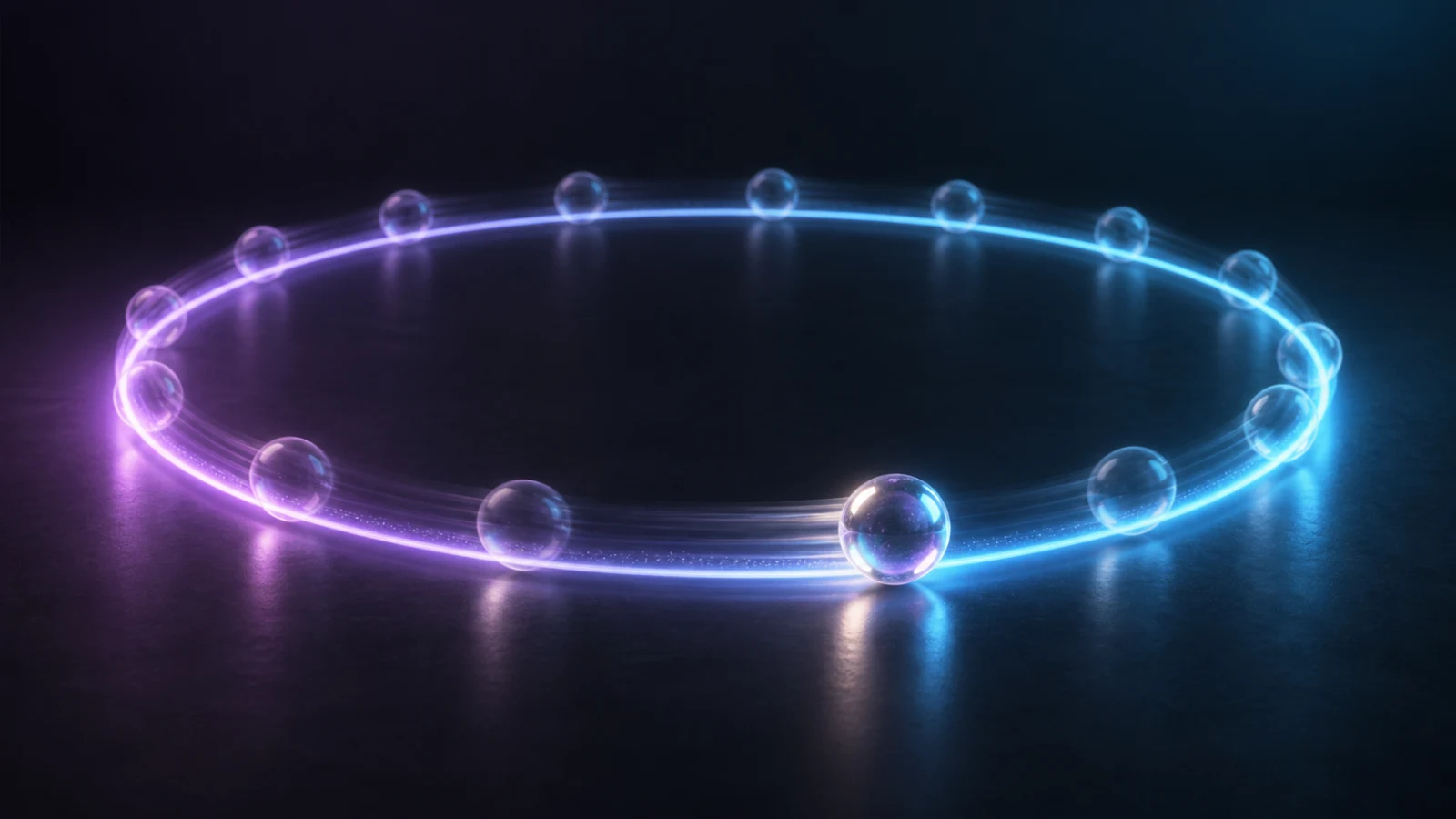
AI video loop prompts need to describe a cycle, not merely ask for “a seamless loop.” The model needs a repeatable action, a fixed camera, and a final state that can hand back to the opening frame. If the first frame shows a pendant at the left edge moving right, the last frame cannot show it in the center moving left and still cut cleanly.
Open C Dance, choose the image-to-video Workspace with Seedance 2.5, and begin with one reference image and one motion cycle. Keep the model, duration, resolution, and aspect ratio fixed while you test. This makes a failed seam diagnosable instead of mysterious.
Keep the Seedance prompt library nearby when you need an owned motion example before rewriting the loop.
The quick answer: match state and motion phase
A usable loop prompt specifies six things:
- Subject: the object or person that moves.
- Cycle: one action that can repeat.
- Phase: where that action starts and where it must finish.
- Camera: a locked view or a camera move that also completes a cycle.
- Continuity: what cannot drift.
- Boundary: the final visible state must match the opening state.
Locked close shot of one glass pendant above a dark table.
The pendant makes exactly one slow clockwise rotation and returns to its opening angle.
Its highlight travels once around the edge and ends at the same position where it began.
Keep the camera, framing, table, shadow, color, and pendant shape unchanged.
No cut, no zoom, no new objects, no speed jump.
The final visible state matches the first frame in position, orientation, lighting, and motion direction.
“Exactly one rotation” gives the action a period. “Returns to its opening angle” defines closure. The continuity line protects everything that should not participate in the cycle.
Build a loop-state card before writing prose
Treat the seam as a comparison between two states. Write a small card before the full prompt:
| Variable | Opening state | Boundary state | Rule |
|---|---|---|---|
| Subject position | centered | centered | no translation |
| Rotation | 0 degrees | 360 degrees | same visible orientation |
| Motion direction | clockwise | clockwise | no reversal at cut |
| Camera | locked close shot | locked close shot | no drift or zoom |
| Light | highlight at top | highlight at top | complete one lighting cycle |
| Background | dark table | dark table | fixed texture and exposure |
The key is not that the final frame is motionless. It is that the outgoing motion can continue into the incoming motion. A wheel at 360 degrees still looks like a wheel at 0 degrees, but the cut will jump if it decelerates before the boundary and starts fast after it.
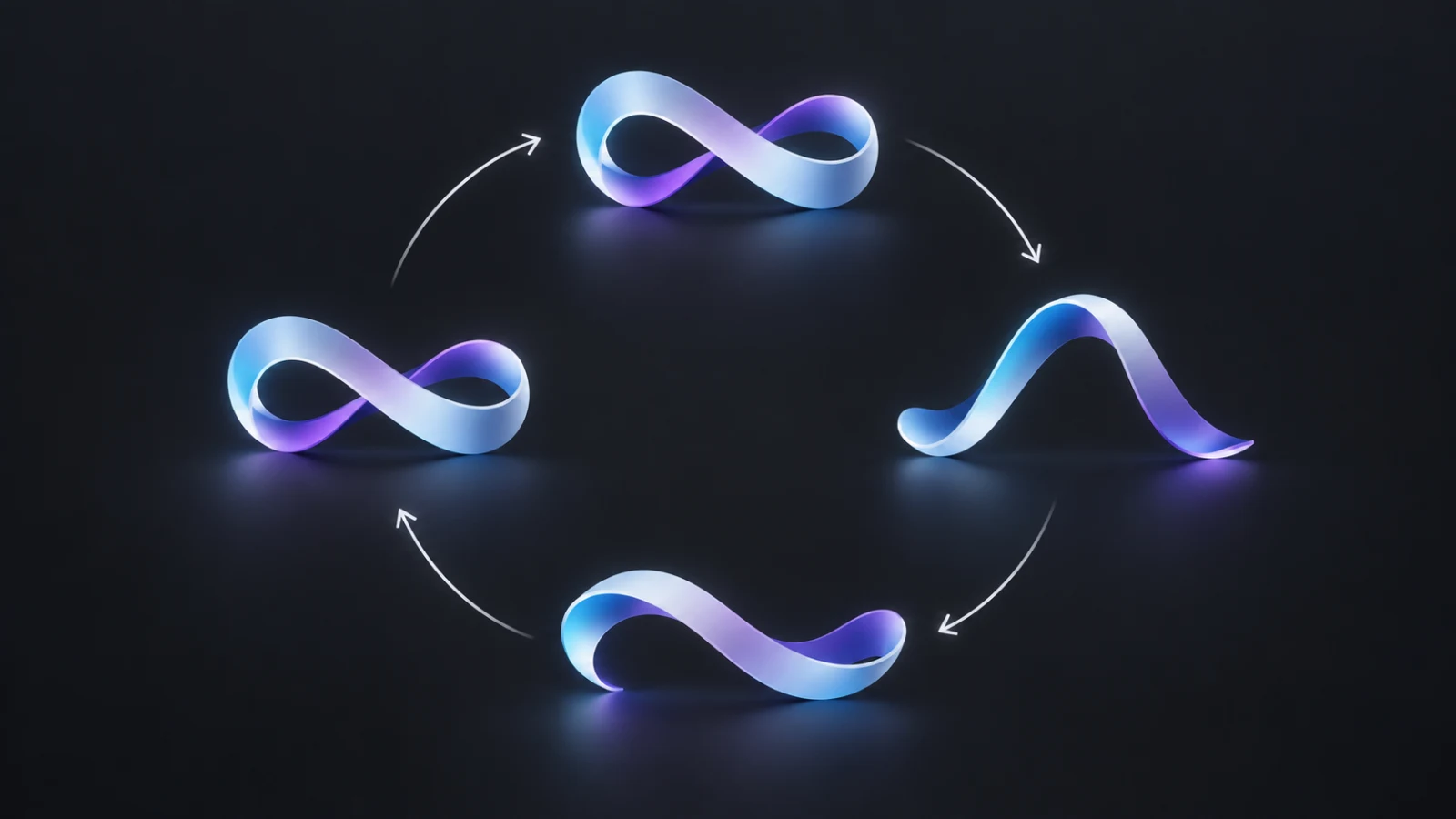
The diagram shows a four-state cycle rather than a beginning-middle-end story. The fourth state is not a conclusion. It is the approach back to state one.
Choose motions that already want to repeat
Periodic motion is easier than a one-way event. Rotation, swaying, pulsing, orbiting, rippling, blinking light, breathing, and repeated mechanical actions all have a natural return path. Breaking glass, opening a gift, pouring out a full cup, or walking permanently out of frame do not.
| Motion | Loop difficulty | Why |
|---|---|---|
| Full rotation | Low | orientation returns after one turn |
| Light pulse | Low | brightness can rise and return |
| Fabric sway | Medium | shape and velocity must match at the boundary |
| Water ripple | Medium | several overlapping periods can drift |
| Character breathing | Medium | body, clothing, and face must stay stable |
| Walk cycle | High | feet, body position, background, and camera all need closure |
| Object transformation | High | the object must visibly transform back or use a hidden seam |
| One-way reveal | Very high | the final state does not naturally lead to the opening state |
For a first attempt, pick a subject with rotational symmetry or a background with soft organic motion. Once that works, add identity-sensitive subjects or camera movement.
Write the phase, not just the direction
“Waves gently” describes direction and mood but not a cycle. The prompt should name the complete motion path and the boundary phase.
Medium shot of one pale curtain beside a closed window, camera locked.
The curtain moves from center to the right, passes back through center, moves to the left, then returns to center.
Complete one slow sway with continuous speed and no pause at either edge.
The bottom fold, window frame, wall color, and afternoon light remain unchanged.
End as the curtain crosses the center moving toward the right, matching the opening motion phase.
Position alone is insufficient. A curtain crossing center toward the left does not match a curtain crossing center toward the right. This is the same reason a pendulum can occupy the same point twice during a cycle but have opposite velocity.
Keep the camera out of the problem
A locked camera removes an entire class of seam failures. If the camera creeps forward, rotates, or changes focal length, the background at the end will not align with the start even when the subject does.
Use camera motion only when the camera itself can finish a closed path. A complete orbit around a symmetrical object may work. A continuous dolly forward rarely does because the camera ends closer than it began.
Top-down shot of a ceramic plate centered on a plain blue surface.
Four small paper shapes orbit clockwise around the plate and complete one full revolution.
The camera remains perfectly locked: no pan, tilt, zoom, roll, focus change, or reframing.
Keep the plate, surface texture, object count, spacing, shadows, and colors unchanged.
End with every paper shape at its exact opening position while still moving clockwise.
If the concept needs a push-in, build a transition rather than a loop. The AI video transition prompt guide covers movements whose ending is intentionally different from their beginning.
Use a cinemagraph rule: one moving region
A cinemagraph feels alive because a small region moves while most of the image remains fixed. This makes the boundary easier to control and preserves room for text, product copy, or interface elements added later.
Locked medium shot of an unbranded amber perfume bottle on a stone shelf.
Only the thin ribbon of mist behind the bottle moves, flowing upward in one slow repeating curl.
The curl completes one cycle and returns to its opening silhouette and direction.
The bottle, cap, label area, shelf, camera, reflections, and warm backlight remain perfectly still.
No extra vapor source, no camera movement, no flicker, no text change.
“Only” matters. If steam, reflections, shadows, camera, and product all move independently, each introduces a different period. Their phases are unlikely to meet at the same boundary.
Prompt environmental loops with one dominant rhythm
Water, rain, fire, smoke, leaves, and particles look naturally continuous, but their details can change so much that a hard seam becomes visible. Give the environment one dominant rhythm and keep large shapes stable.
Wide locked shot of a quiet mountain lake at blue hour.
One broad ripple expands from the center, fades near the shore, and the water returns to its opening calm state.
A soft band of mist rises slightly and settles back to its original height during the same cycle.
Keep the mountain silhouette, shoreline, reflection, exposure, sky color, and camera fixed.
No birds, boats, people, weather change, or new ripples.
Final frame matches the opening water surface and mist height.
Do not ask every leaf, cloud, reflection, and wave to complete a separately timed action. Decide what the viewer should track. Let small texture vary only if the seam stays visually quiet.
Give character loops a neutral boundary pose
Faces and hands expose small continuity errors. Use a short, restrained action that returns to a neutral pose: breathing, one blink, a small head turn out and back, or a hand lifting and lowering to the same place.
Waist-up portrait of one person seated at a desk, locked camera.
They take one calm breath: shoulders rise slightly, pause naturally, then return to the opening relaxed position.
They blink once during the middle of the breath, not at the loop boundary.
Preserve facial identity, gaze direction, hairstyle, hands, clothing folds, chair, desk objects, light, and framing.
No speaking, no new gesture, no camera move.
End in the same relaxed pose with the next inhale just beginning.
Move the blink away from the seam. A half-closed eye at either boundary makes the cut obvious. For longer character scenes, design individual shots with the AI video B-roll prompt workflow, then reserve looping for a short ambient insert.
Use reference frames without over-constraining motion
An input image defines appearance; the motion prompt should concentrate on what changes over time. This follows current image-to-video guidance from major model providers: describe motion clearly, begin simply, and iterate one variable at a time. Repeating every visual detail from the image can introduce conflicts without improving the cycle.
With a single reference, choose an opening state that is easy to revisit. With first-and-last-frame controls, use matching boundary frames only when the model and mode support them. Matching images can help with composition, but they do not guarantee matching velocity or a clean internal path.
In C Dance, Seedance 2.5 supports image-to-video workflows and configurable clip duration. The current workspace exposes duration choices from 4 to 30 seconds. Those are product options, not a promise that every cycle or boundary will be exact. Choose the shortest setting that can contain one complete action, then inspect the actual result.
Inspect the seam as a six-variable test
Do not judge a loop only while it plays repeatedly. Pause on the last frame, then advance to the first. Compare six variables:
- subject position and scale;
- subject shape or identity;
- motion direction and apparent speed;
- camera position and framing;
- light, exposure, and shadow;
- background geometry and object count.
This site-owned clip is an editorial motion demonstration made from the cover artwork, not model output or a benchmark. Its horizontal position follows a periodic curve, so the movement returns to the same phase at the boundary. Use it to notice how continuous velocity matters alongside frame similarity.
Diagnose the largest mismatch first
When a loop jumps, identify the dominant failure rather than adding a paragraph of prohibitions.
| Symptom | Likely cause | First repair |
|---|---|---|
| Subject teleports | different boundary position | state the exact return position |
| Motion kicks backward | opposite boundary velocity | specify the crossing direction and phase |
| Background breathes | unintended camera or geometry drift | lock the camera and simplify the background |
| Brightness flashes | light cycle does not close | fix exposure and complete one lighting pulse |
| Face changes | too much action or duration | shorten the cycle and reduce facial movement |
| Extra object appears | unconstrained scene evolution | lock object count and remove secondary action |
| Pause at the seam | model treats ending as a conclusion | ask for continuous motion through the boundary |
Rewrite only the failed variable. If position is wrong, do not simultaneously change the subject, duration, camera, and style. A controlled second run teaches you whether the repair worked.
Close the final ten percent in an editor
Prompting usually aims for a near-loop. Exact delivery may still need post-production. Four repair methods cover most cases:
- Trim: move the cut to the pair of frames with the closest position and motion.
- Short crossfade: blend a quiet boundary when texture differs slightly.
- Ping-pong: play a reversible action forward and backward, avoiding duplicate end frames.
- Time-remap: adjust a small section so the cycle reaches the boundary at the right phase.
Ping-pong works for swaying fabric, breathing light, or an abstract pulse. It looks wrong for smoke, pouring liquid, walking, breaking objects, or anything whose reverse motion violates physics. A crossfade can hide fine texture changes but will ghost a face or hard-edged product if the positions do not align.
Export a few repeated cycles, not just one. A seam that seems minor once can become distracting after five repetitions.
Copy-ready loop prompt templates
Use these as structures, then replace the subject and motion details.
Product rotation
Locked [shot size] of one [product] on [simple surface].
The product completes exactly one slow [clockwise/counterclockwise] rotation and returns to its opening orientation.
Keep [identity anchors], camera, lighting, shadow, surface, and background unchanged.
Maintain continuous speed through the boundary; no pause, cut, zoom, text change, or extra object.
Final visible state matches the opening position, angle, scale, and motion direction.
Ambient cinemagraph
Locked [composition] of [main subject].
Only [one region] moves in a slow repeating [pulse/sway/ripple/curl].
Complete one cycle and return to the opening shape while continuing in the same direction.
Everything else remains still: [list fixed anchors].
No camera movement, exposure change, new object, or scene transition.
Character idle loop
Locked [shot size] of one [character] in a neutral pose.
They perform one restrained cycle: [action out], then [action back] to the opening pose.
Place blinks and small gestures in the middle, away from the loop boundary.
Preserve identity, gaze, hands, clothing, background, lighting, and framing.
End with continuous motion ready to repeat, not a final pose or fade-out.
A practical generation checklist
Before generating:
- Can the action physically return to its start?
- Is there only one dominant motion period?
- Did you define position and direction at the boundary?
- Is the camera locked or cyclic?
- Are identity, lighting, background, and object count protected?
- Is the duration just long enough for one cycle?
After generating:
- Compare the last and first frames directly.
- Watch the cut at normal speed and at half speed.
- Check motion direction, not only image similarity.
- Repeat the clip at least five times.
- Repair one mismatch per run.
- Finish small residual errors in post instead of spending credits blindly.
The Seedance 2.5 prompt guide can help you structure broader shots. For loops, keep the request narrower: one repeatable motion, one boundary state, one camera rule.
Make one controlled loop now
Start with rotation, a light pulse, a fabric sway, or a one-region cinemagraph. Use the loop-state card, generate one cycle in the C Dance Workspace, and compare the boundary frames before changing anything else.
A good loop is not a clip with no ending. It is a clip whose ending preserves enough state and motion to become the beginning again.